
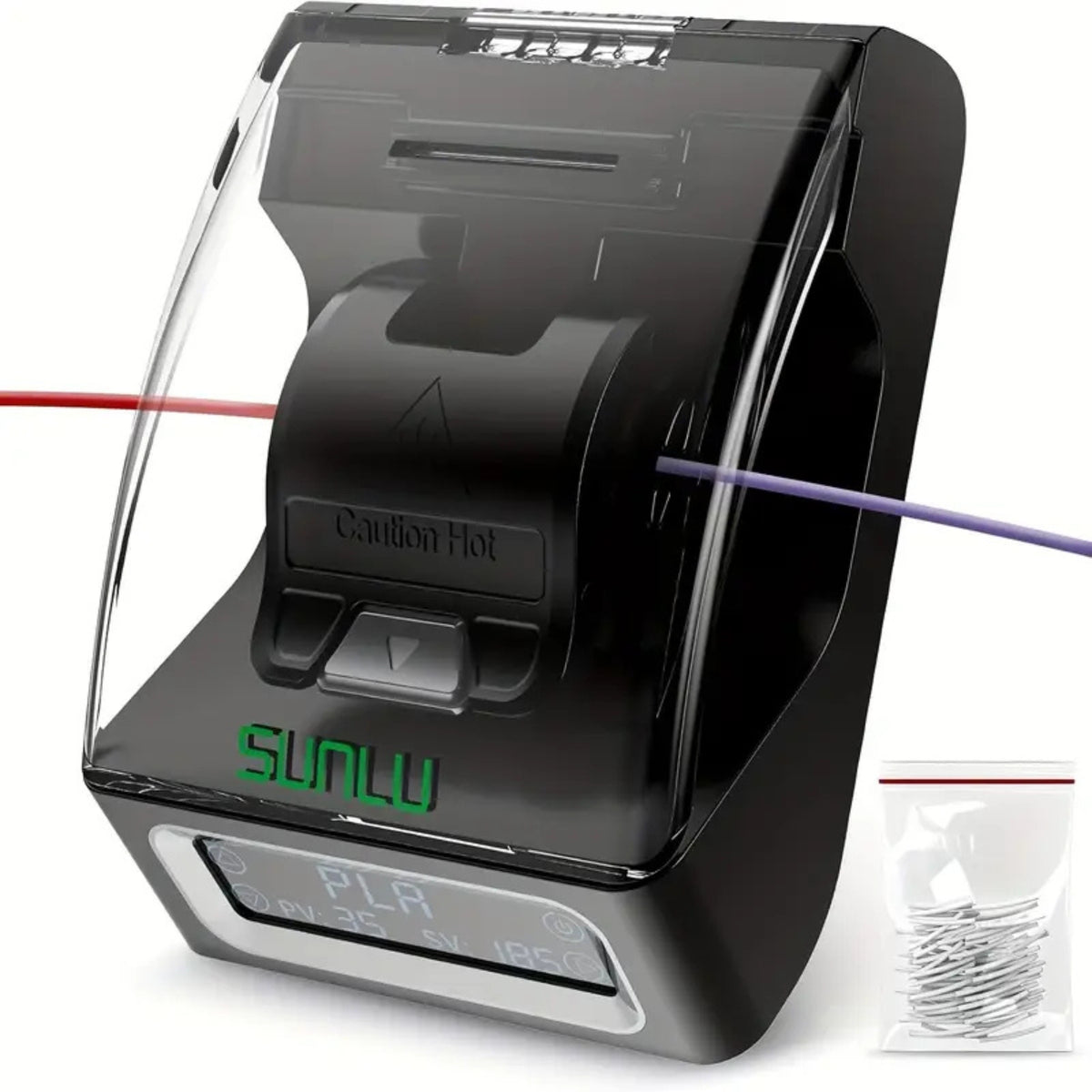

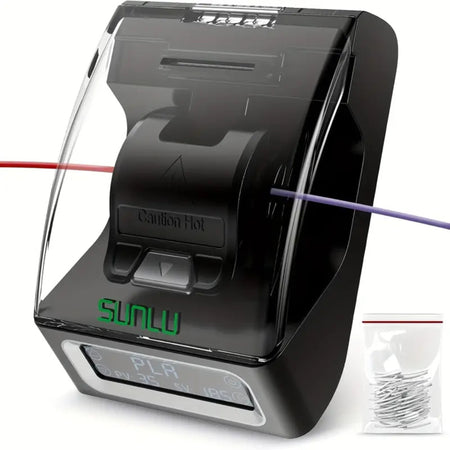




Sunlu Filament Splicer


Share on social media:
A spool never quite finishes on your terms. It runs out mid overnight print, leaves a 40g offcut too short to load, or you need three colours joined for a single cosplay piece and no slicer setting can do that for you.
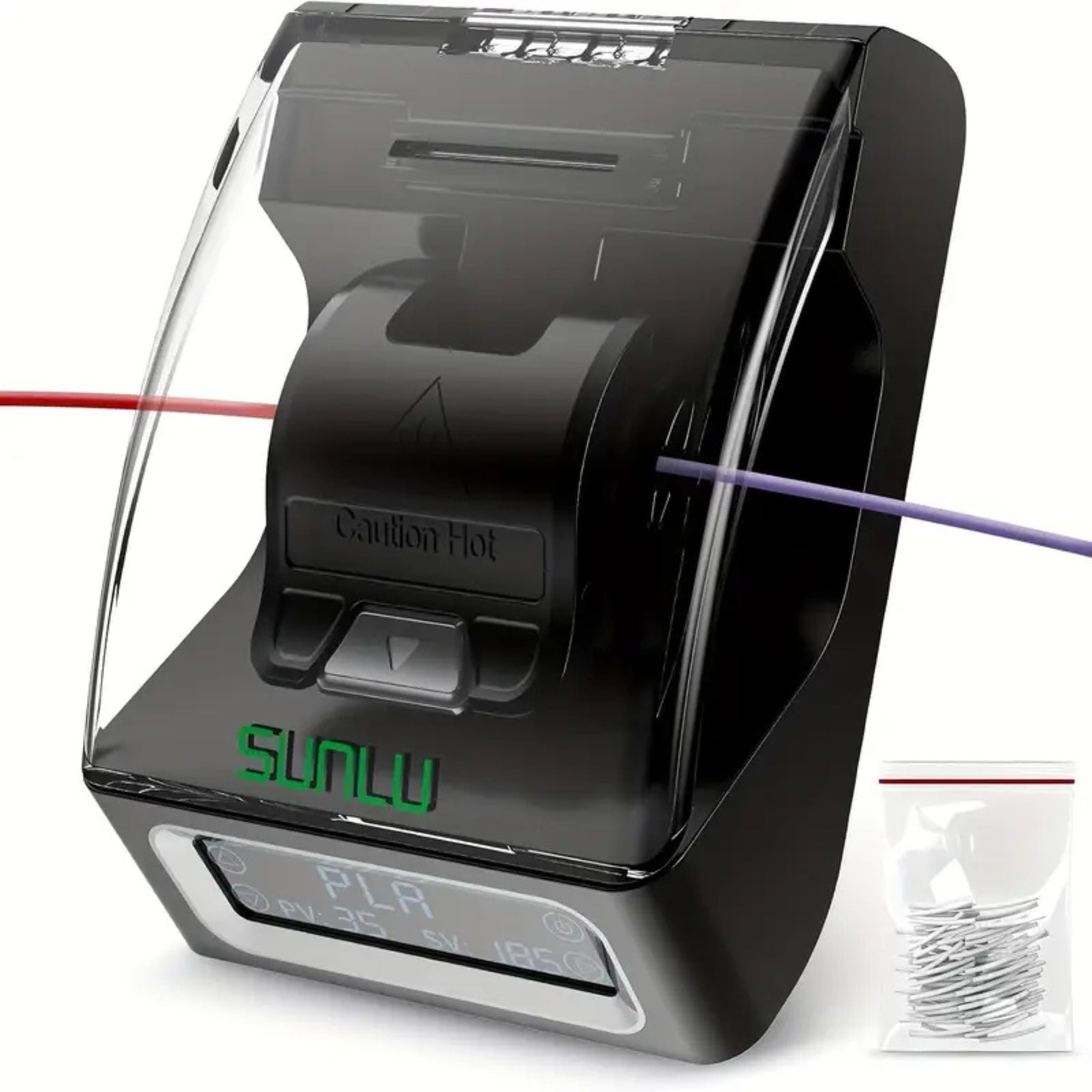
The Sunlu Filament Splicer solves that at the material level rather than the software level. Trim two filament ends, press them into the heated port, wait a few seconds, and you have one continuous strand that feeds through your extruder exactly as it did before the break. No re-slicing, no wasted purge towers, no half spools gathering dust on a shelf.
For a workshop running through kilograms of PLA, PETG and ABS every month, that turns into real savings, not just tidier shelves.
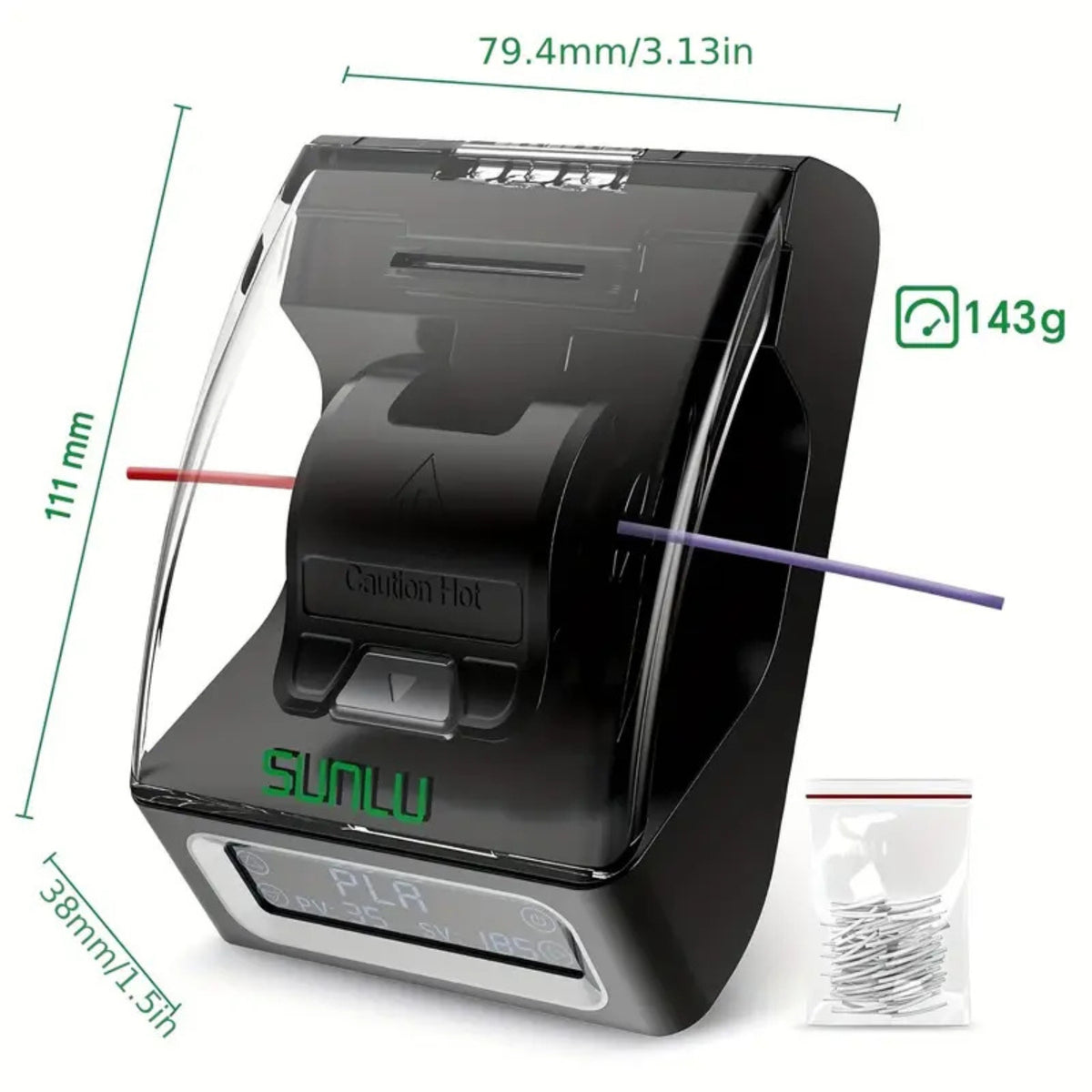
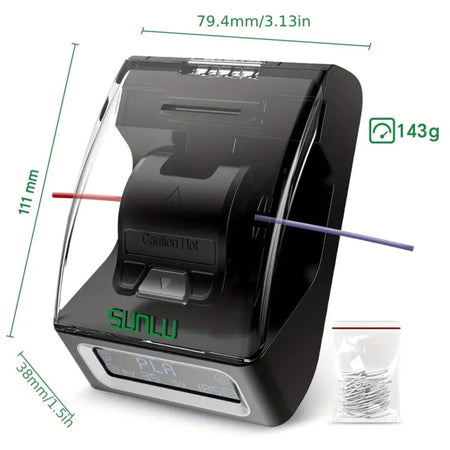
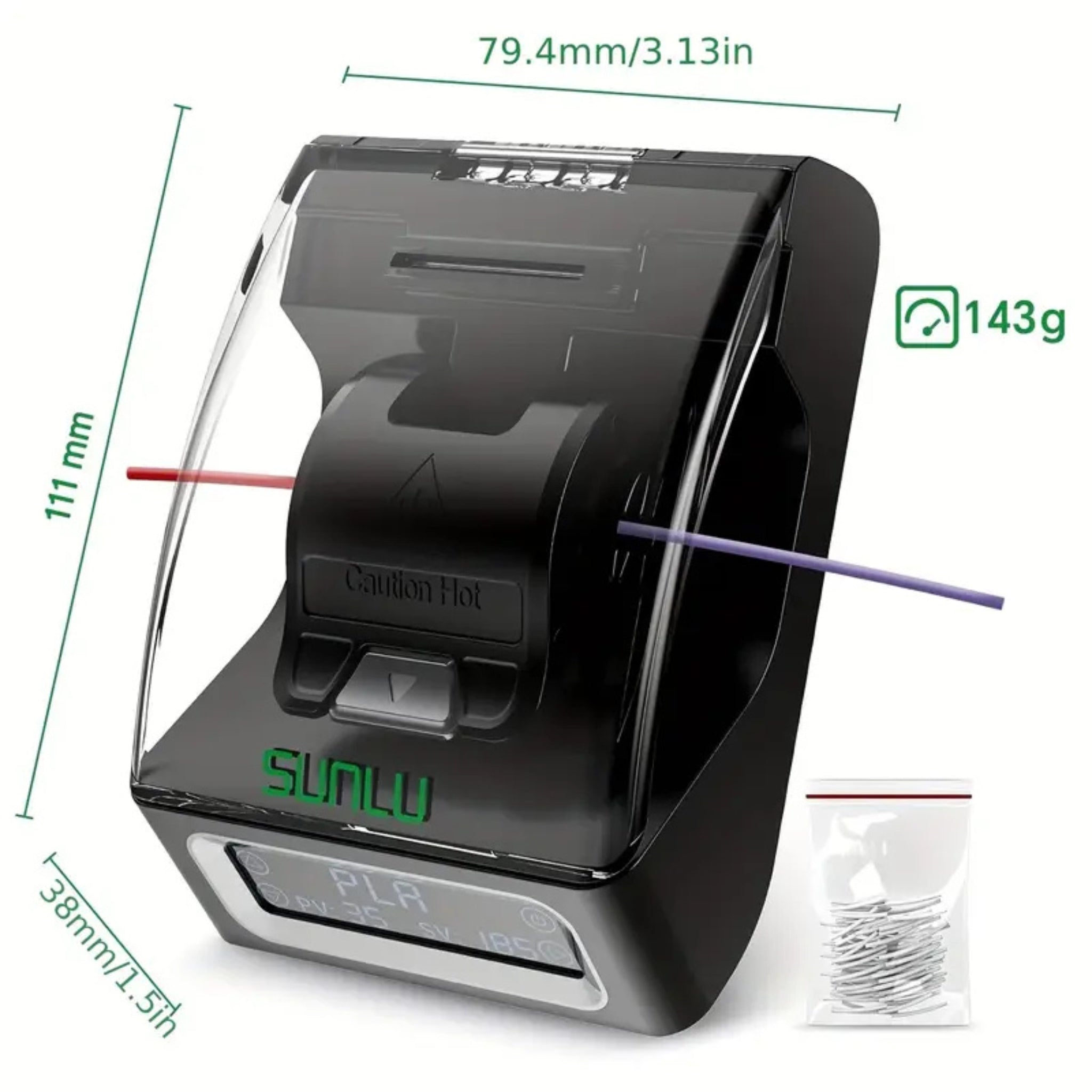
240°C maximum operating temperature | ±3°C temperature accuracy | 10-15 second fusion time | Works with PLA, ABS, PETG, PCL, PA and PC | 1.75mm filament diameter | USB powered, no soldering iron | Compact 111 x 79.4 x 38mm footprint
Who the Sunlu Filament Splicer is built for
The hobbyist maker who hates wasted spools
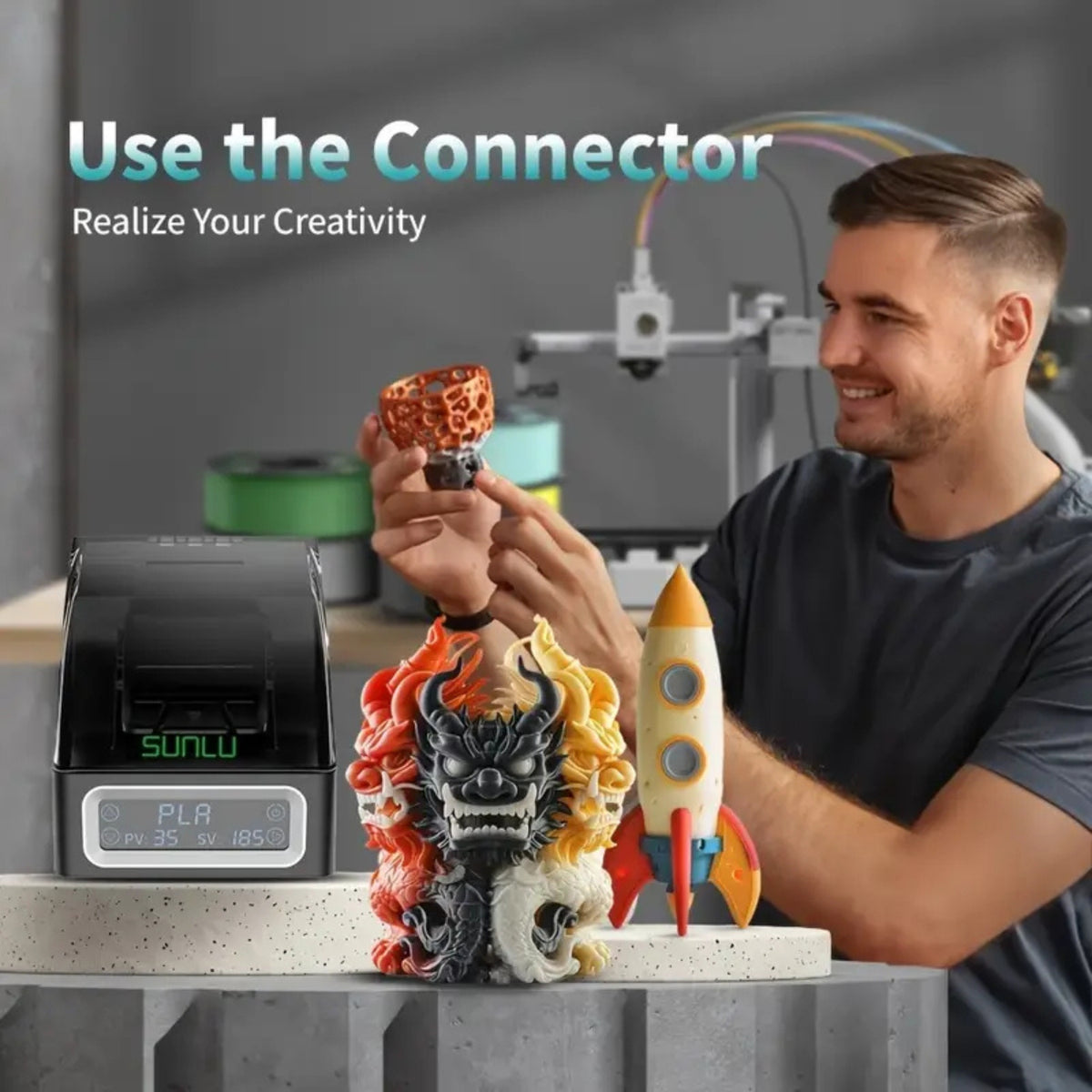
You're printing multi-colour models, gradients, or just trying to use up the last 15 metres of a spool before it's binned. The splicer's material-specific presets mean you don't need to guess a temperature, you select PLA or PETG and let it heat to spec. A typical use is joining three off-cut PLA colours into one strand and printing a full multi-colour keychain batch overnight from filament that would otherwise sit unused.
The small print farm operator keeping machines running
A filament runout mid-batch on an unattended machine means a failed print and lost FDM print time, not just wasted material. Keeping a splicer at the station lets you tail-splice a fresh spool onto a nearly finished one before loading, so machines keep running through the night instead of sitting idle waiting for a manual reload. Over a month of production printing, that recovers hours of machine time you'd otherwise lose to babysitting spools.
The school or maker space managing a shared filament budget
Shared 3D printing labs generate a steady pile of short offcuts and part rolls from different students' projects. Instead of writing that material off, staff can splice compatible colours and materials back into usable lengths, stretching a fixed consumables budget further across a term. It also gives students a hands-on look at how thermoplastics behave under heat, which ties neatly into a materials science lesson.
What sets the Sunlu Filament Splicer apart
Presets that match the material, not a guess
Every plastic has a narrow window where it fuses cleanly instead of scorching or refusing to bond. The Sunlu Filament Splicer ships with default splicing parameters for each supported material: PCL at 85°C, PLA at 185°C, ABS at 220°C, PETG at 210°C, and PA/PC at 230°C, each with its own heating and hold time. Temperature accuracy is held within ±3°C, so you're not relying on feel to get a repeatable join, and the settings hold whether it's your first splice or your fiftieth.
A splice that holds under real print tension
A weak joint fails at the worst possible moment, mid-layer, on an unattended print. The unit's heating chamber fuses the two filament ends into a single, continuous strand rather than gluing them together, so the join has comparable tensile strength to the surrounding filament and feeds through a standard extruder gear without catching. Fusion itself takes 10 to 15 seconds once the target temperature is reached, so you're not standing over the tool for minutes at a time.
Safe to run on a workbench, not just a lab
Internal temperatures inside the fusion chamber reach 240°C, but the insulated housing keeps external surfaces between roughly 50°C and 100°C during operation, well short of the internal working temperature. That's still hot enough to respect, and the manual is clear that the black snap section shouldn't be touched directly, but it means the tool sits safely on a shared bench or in a classroom without needing dedicated PPE beyond common sense.
A visual window that takes the guesswork out
A built-in viewing window and digital display let you watch the filament actually melt and bond rather than counting seconds and hoping. You get real-time temperature feedback on the display, so if a splice hasn't reached full fusion you can see it before you pull the filament out and waste the attempt. It's a small feature, but it's the difference between a tool you trust and one you keep testing after the fact.
Small enough to live in your toolbox
At 111 x 79.4 x 38mm and 143g, the splicer takes up less space than a smartphone charger and runs off any 5V/2A USB power source, no dedicated power brick to store. That makes it easy to keep at a print farm's loading station, in a classroom cupboard, or in a hobbyist's toolbox for the occasional 3am filament runout.
Full specifications
| Spec | Value |
|---|---|
| Model | Sunlu Filament Connector FC01 |
| Applicable filament diameter | 1.75 ± 0.03mm |
| Compatible materials | PLA, ABS, PETG, PCL, PA, PC |
| Maximum temperature resistance | ≤250°C |
| Upper operating temperature limit | 240°C |
| Temperature accuracy | ±3°C |
| Fusion time | 10 to 15 seconds (material dependent) |
| External housing temperature in use | Approx. 50 to 100°C |
| Display | Built-in viewing window with real-time digital temperature readout |
| Power input | 5V / 2A via USB (power adapter not included) |
| Product dimensions | 111 x 79.4 x 38mm |
| Net weight | 143g |
| Manufacturer warranty | 1 year |
How the Sunlu Filament Splicer compares to other ways of joining filament
| Feature | Sunlu Filament Splicer FC01 – this product | IdeaFormer Filament Welder & Joiner | AEDIKO Filament Welder & Sensor | Lighter and glue splicing (DIY) |
|---|---|---|---|---|
| Heating method | Electric, thermostat controlled | Manual, clamp and heat source | Manual, clamp and heat source | Open flame, uncontrolled |
| Temperature control | Digital, ±3°C accuracy | None specified | None specified | None |
| Material compatibility | PLA, ABS, PETG, PCL, PA, PC | PLA, ABS, PETG, PC, PP, PVB, HIPS | PLA, ABS, PETG, PVB, HIPS | PLA only, inconsistent results |
| Splice/fusion time | 10 to 15 seconds | Not specified | Not specified | Several minutes, trial and error |
| Construction | Insulated housing, digital display | Aluminium alloy clamp with wrench | Aluminium clamp with wrench | Household lighter and CA glue |
| Visual feedback | Viewing window and digital readout | None | None | None |
| Power source | USB, 5V/2A | None (manual heat source needed) | None (manual heat source needed) | None |
| Ideal user | Hobbyists, schools, print farms wanting repeatable results | Users comfortable calibrating heat manually | Budget DIY users | Once-off emergency fixes only |
| Price tier | Mid-range, R1,199.99 | Budget to mid-range | Budget | Free (existing household items) |
Materials and software
Filaments this splicer handles
- PLA: splices at 185°C. Print at a typical hotend temperature of 190 to 220°C. Tip: keep the spool dry beforehand, as damp PLA splices unevenly and can leave a brittle joint.
- ABS: splices at 220°C. Print at a typical hotend temperature of 230 to 250°C. Tip: give the join the full 3 to 4 minute heat-soak before fusing, ABS needs more time to reach a stable melt than PLA.
- PETG: splices at 210°C. Print at a typical hotend temperature of 230 to 250°C. Tip: PETG can string slightly during fusion, trim any residual strand before feeding the joint through your extruder.
- PCL: splices at 85°C, the fastest of the supported materials. Print at a typical hotend temperature of 60 to 100°C. Tip: handle gently after splicing, PCL stays soft for longer while cooling.
- Nylon (PA) and polycarbonate (PC): splice at 230°C, the longest heat-soak of the range at 5 minutes. Print at a typical hotend temperature of 250 to 270°C. Tip: dry these engineering filaments in a filament dryer before splicing, moisture affects the joint more here than with PLA or PETG.
TPU and other flexible filaments aren't part of Sunlu's supported material list for this unit, their low melt viscosity makes a clean, tension-resistant fusion joint difficult to achieve consistently.
Slicers and software
The splice happens to the physical filament before it's loaded, so it's invisible to your slicer and works the same way regardless of which one you run. Creality Print, Cura, PrusaSlicer, OrcaSlicer and Bambu Studio all treat a spliced strand as one continuous roll, generating G-code exactly as they would for an unspliced spool. There's nothing to configure or install, the tool sits entirely outside your print pipeline.
What's in the box
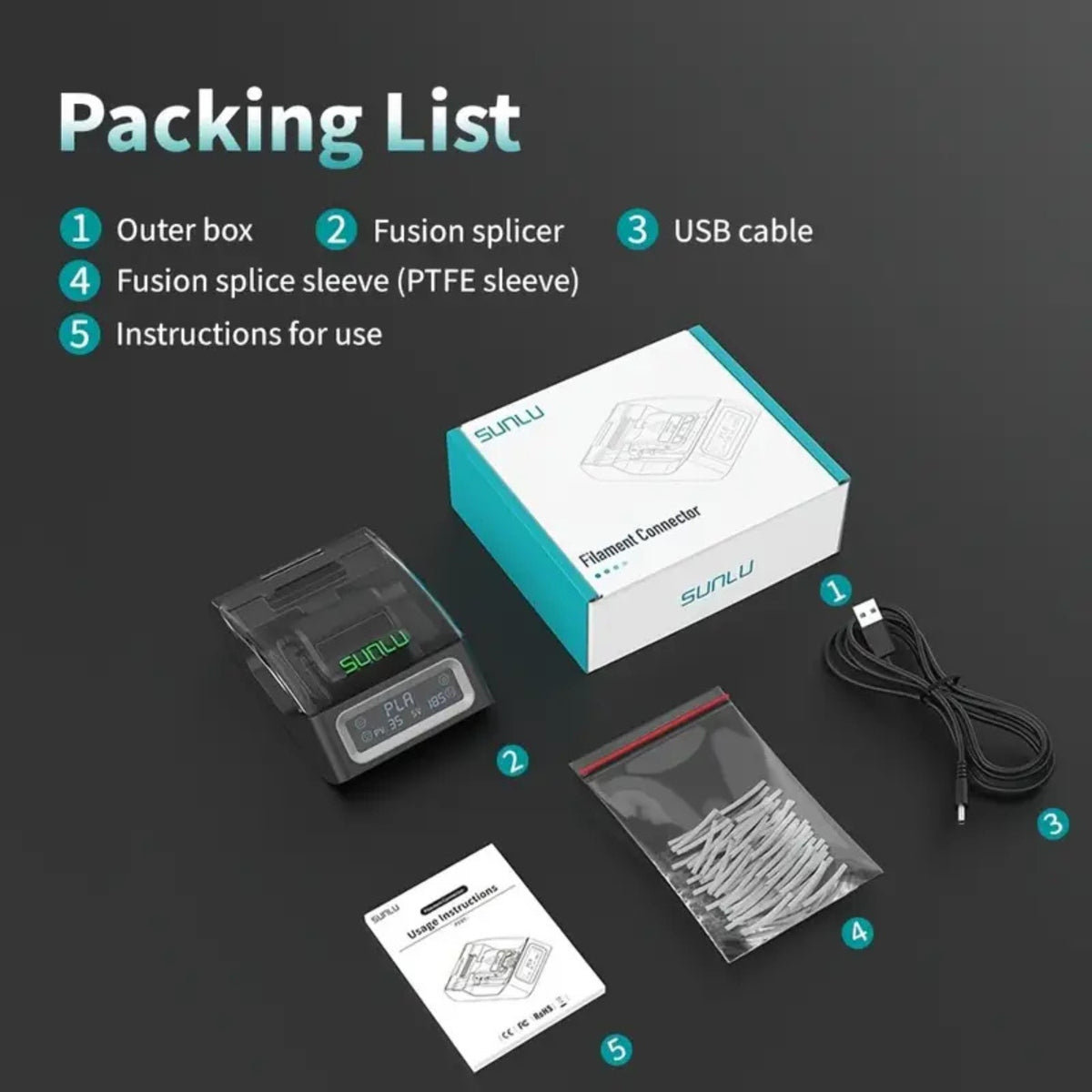
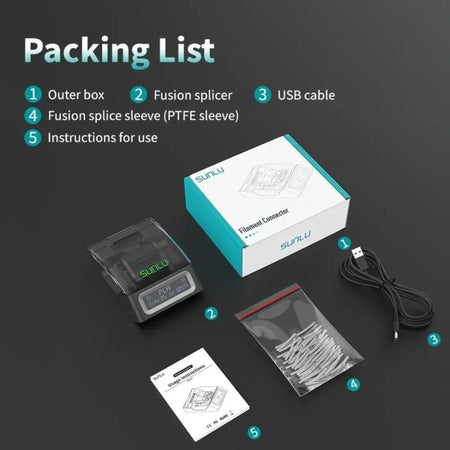
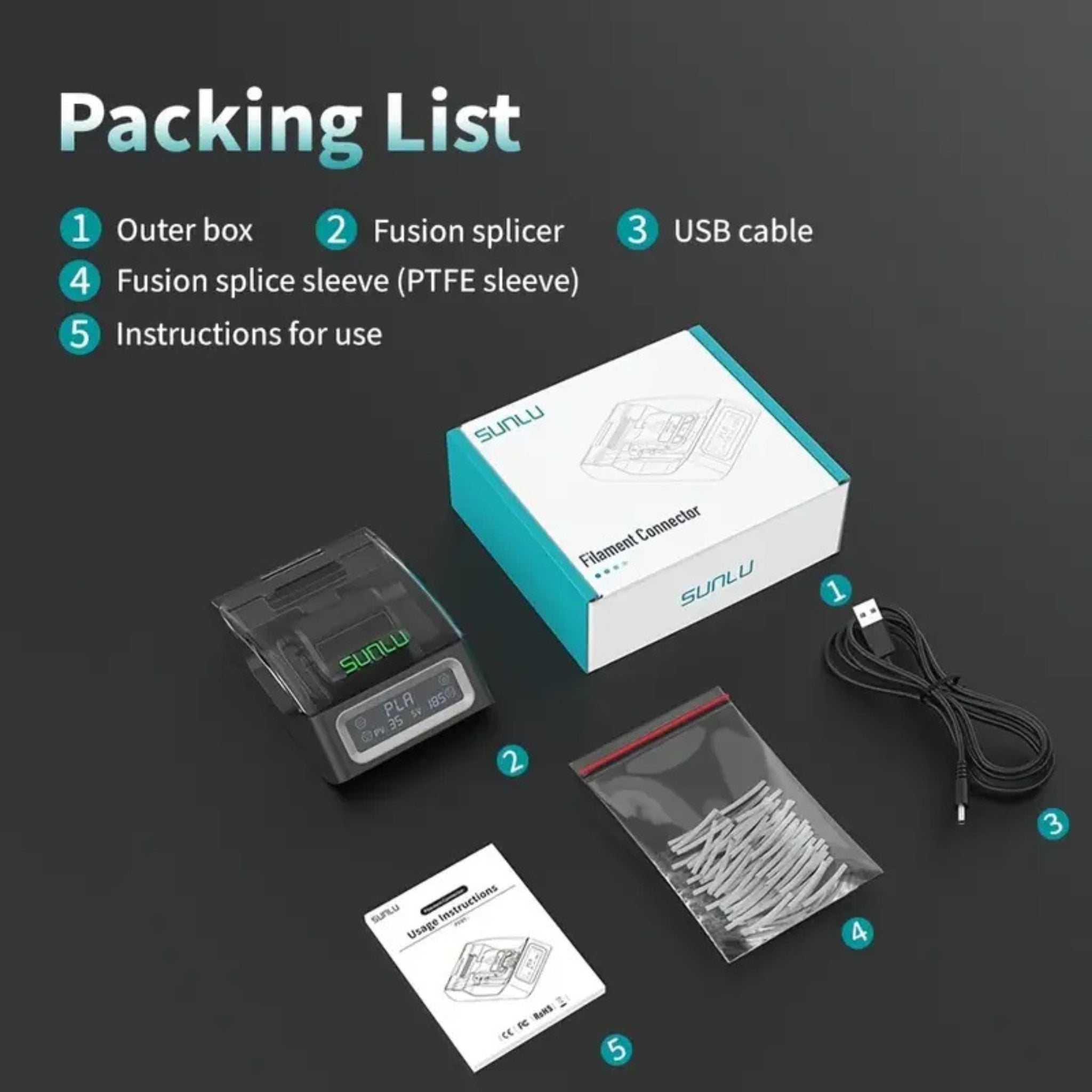
- Sunlu Filament Splicer (FC01) x 1
- User manual x 1
- PTFE sleeves, approximately 200 pieces, 26mm
- USB cable x 1
- Retail colour box
Ordering, shipping and support
The Sunlu Filament Splicer ships via courier across South Africa from 3D Printing Store's Centurion and Boksburg locations, with local stock on hand rather than a long-lead import order. It's covered by a 1 year manufacturer warranty, handled locally through 3D Printing Store rather than a return-to-China process. Replacement PTFE sleeves and compatible PLA, PETG and ABS filament are stocked in the same range for when you're ready to reload.
Frequently asked questions
Is the Sunlu Filament Splicer better than gluing or lighter-splicing filament by hand?
Yes, for any join you plan to actually print with. A lighter and glue give an uncontrolled, uneven melt that often catches in the extruder or snaps under tension. The Sunlu Filament Splicer holds a set temperature within ±3°C and fuses the ends in 10 to 15 seconds, producing a smoother, more consistent joint that feeds reliably.
Can the Sunlu Filament Splicer join TPU or flexible filament?
No, TPU isn't on Sunlu's supported list for this unit. Flexible filaments melt into a soft, low-viscosity state that doesn't hold a stable joint the way rigid materials do. It's built and rated for PLA, ABS, PETG, PCL, PA and PC.
How long does it take to set up out of the box?
A few minutes. Plug it into any 5V/2A USB power source, select the preset for your material from the display, and let it heat, which takes 1 to 5 minutes depending on the material. There's no calibration or software install involved.
Does the splicer need any maintenance?
Very little. Wipe down the fusion chamber occasionally to clear filament residue, and keep it stored at room temperature above 10°C rather than in a cold garage, since electronics run less reliably in the cold. The PTFE sleeves are a consumable, replacements are stocked separately once your supplied 200 pieces run out.
Does it come with a South African plug, and is there local warranty support?
The unit is USB powered rather than mains powered, so it works with any standard 5V/2A USB adapter or power bank you already own, no plug adapter needed. Warranty support is handled locally through 3D Printing Store's Centurion and Boksburg stores rather than requiring you to ship the unit overseas.